
Platefolio for Mac
A visual library for your 3D prints.
Find a model by its shape, see what’s on each plate, and open the project in your favorite slicer.
In private TestFlight beta for macOS

Browse your collection.
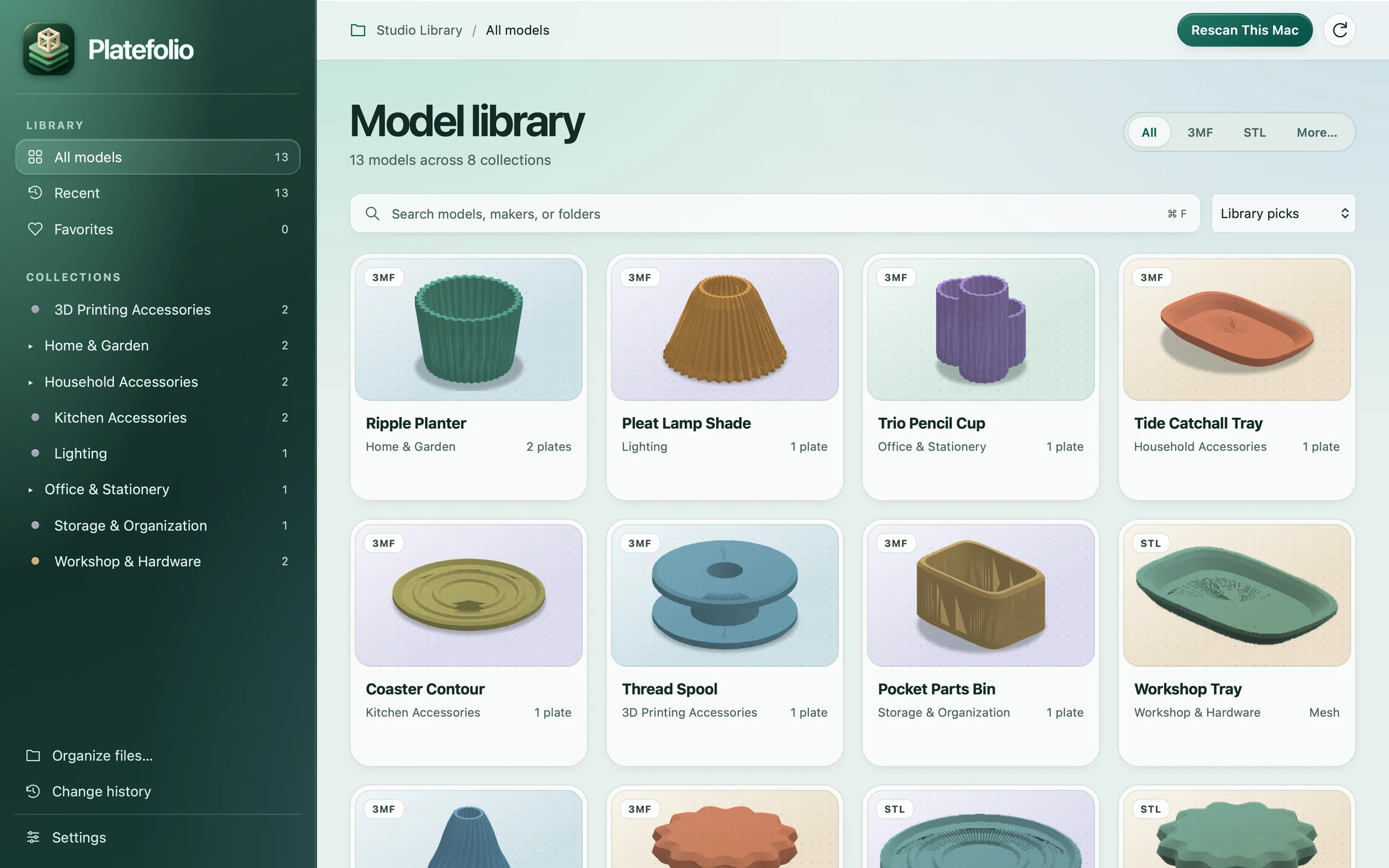
Choose a folder in iCloud Drive or on your Mac. Search by project or maker, switch on just the file types you want, or open Recent to find your latest work.
Inside a print project.
Open the Ripple Planter and switch between its planter body and drip saucer. Read the maker’s description in your preferred language. On supported listings, an update badge flags a changed page or new print profile, so you can review it before importing.
See the plate preview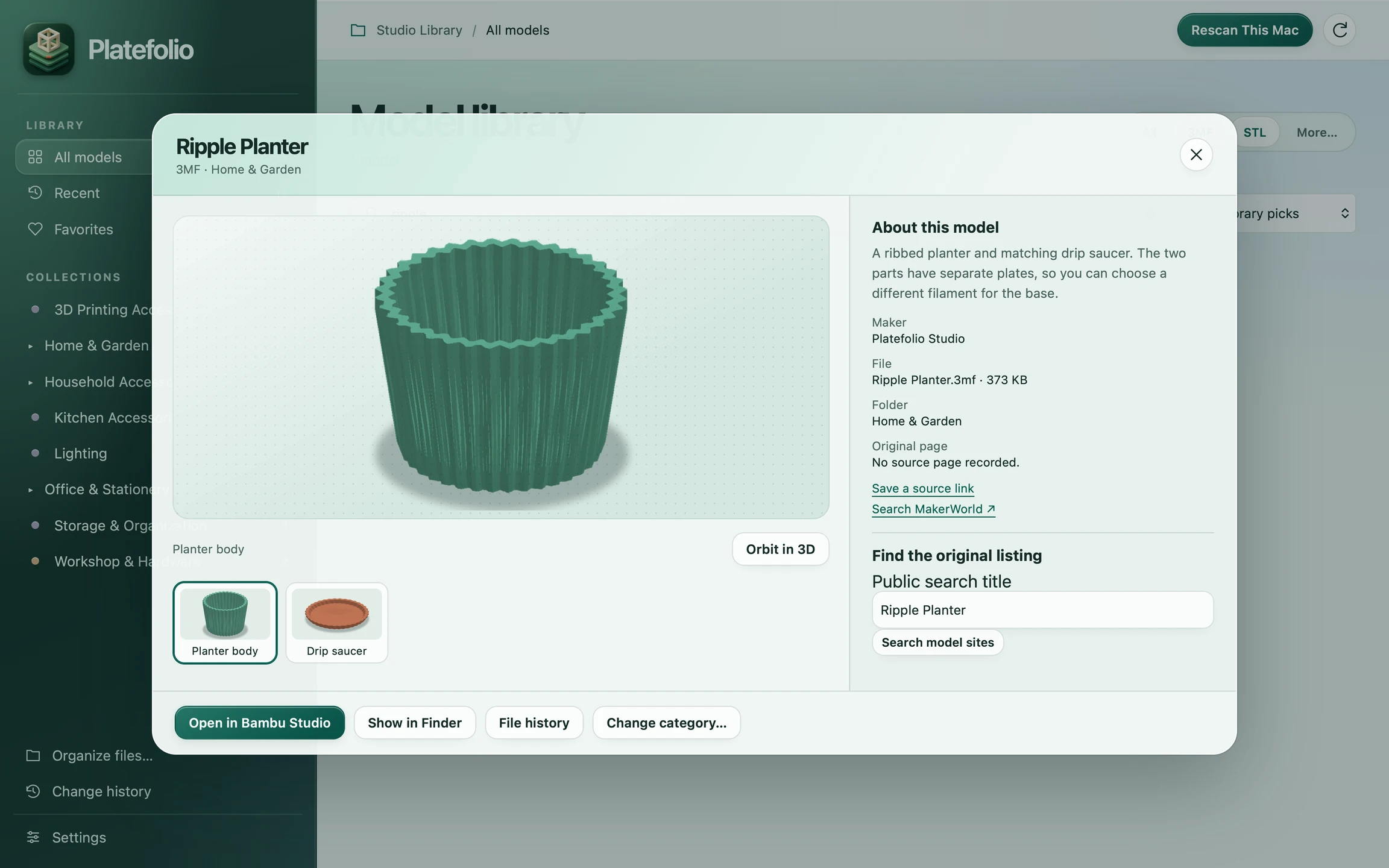
Your first session.
Browse plates and organize scattered files with Platefolio Pro. See how a model flags changes to its original listing, then follow a Spanish project in a library set to English. Connect your preferred AI model through a compatible MCP client and watch a saved change appear in the app.
Platefolio Pro
Organize files across your Mac.
Review before importing
Scan your Mac and attached storage for models. Review proposed categories and destinations, then import the files you choose.
Work with an AI assistant
Choose your preferred model in a compatible AI client and enable the local MCP connector for your library. Your assistant can find models, inspect print plates and save revisions. See each saved change in Platefolio’s file history.